

How to use the Calendar View functionality
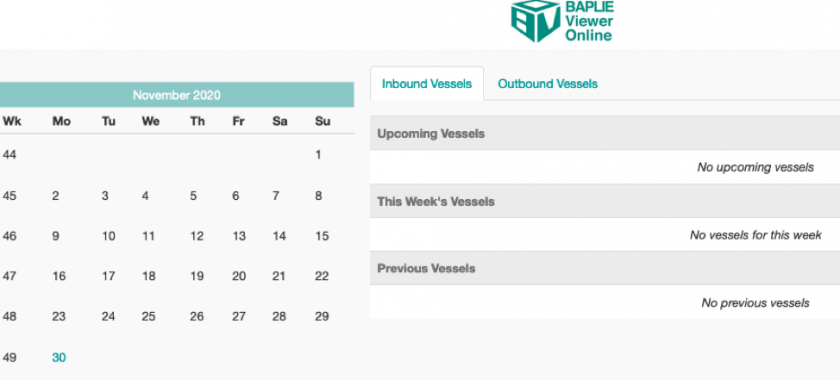
Use the calendar view to see and manage the BAPLIE files of your facility by date. The vessel schedule shows this week’s ships, the ships that called before, and the ships that have not arrived yet.
Which date the calendar uses
Section titled “Which date the calendar uses”BAPLIE Viewer Online reads the DTM segments in the file (the date and time lines). It uses the first date it finds in this order:
- ATA – actual time of arrival
- ETA – estimated time of arrival
- ATD – actual time of departure
- ETD – estimated time of departure
- CREATED – the date and time of preparation. The system uses this when none of the dates above are in the file.
Good to know
Section titled “Good to know”- The Home page now shows Recent files, a search box and a Group by menu. The picture above shows an older screen.
- To use the Inbound Vessels and Outbound Vessels feature, see this article.