

How to download files with .EDI extension instead of .TXT
BAPLIE Viewer Online saves downloaded BAPLIE data as a .TXT file by default. Use this guide to download your files with the .EDI file extension instead.
- Log in to baplieviewer.com.
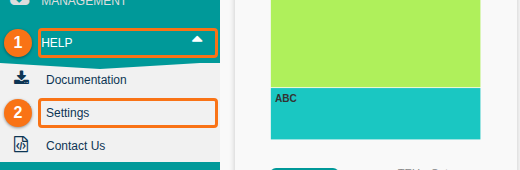
- In the Function Menu on the left, click Help (1 in the picture). Then click Settings (2).
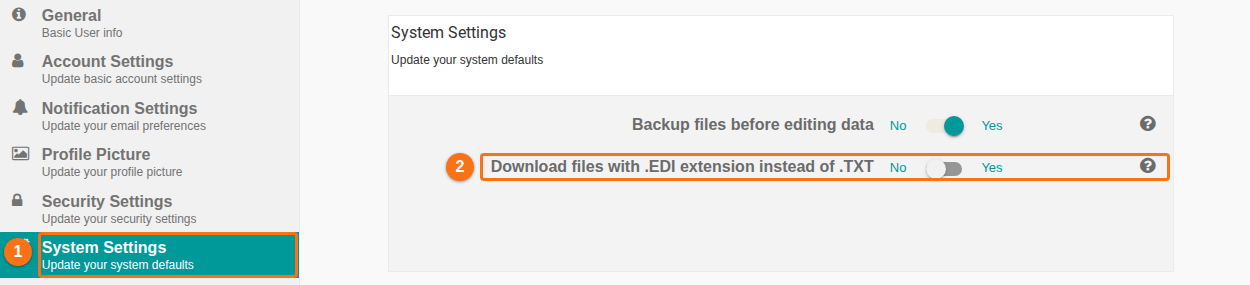
- In the list on the left, click System Settings (1 in the picture).
- Find Download files with .EDI extension instead of .TXT (2). Click the switch to change it from No to Yes.
The setting saves to your user profile. All BAPLIE files that you download from now on use the .EDI extension.