How to remove column filters
Esta página aún no está disponible en tu idioma.
Use this guide to remove one column filter or all column filters on the Main Content screen.
Before you start: upload a file to baplieviewer.com. Then open the Function Menu, open Visualization and click Main Content. The BAPLIE file opens as a table.
Column filters are saved in the database. They stay for all BAPLIE files you open later. Remove the filter to see the BAPLIE data that the filter hides.
Remove one filter
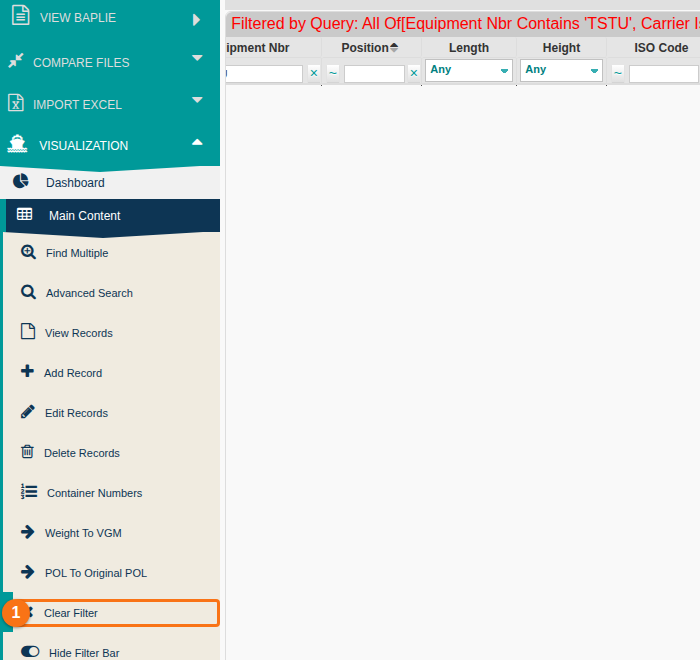
Section titled “Remove one filter”Click the x to the right of the filter value (1 in the picture). The filter is removed.

Remove all filters
Section titled “Remove all filters”In the Function Menu, click Clear Filter (1 in the picture). All column filters are removed at once.